탑메뉴




Mobile service
Library App
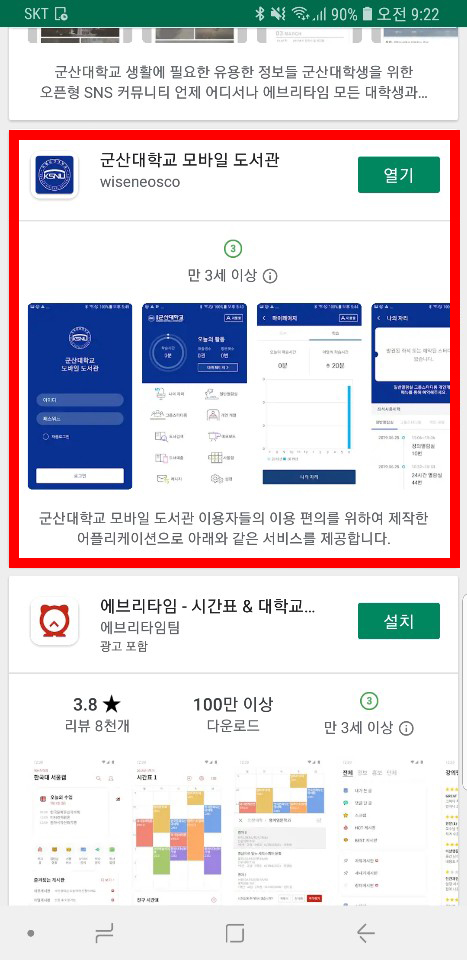
- The Library App can be downloaded by searching for "Kunsan University Library" on Android phone and iPhone, and is available to use library facilities and services.
- Use Guide of Kunsan University Mobile Library App
- ① Search for "Kunsan University Library" in each store
- ② Download & Run App.
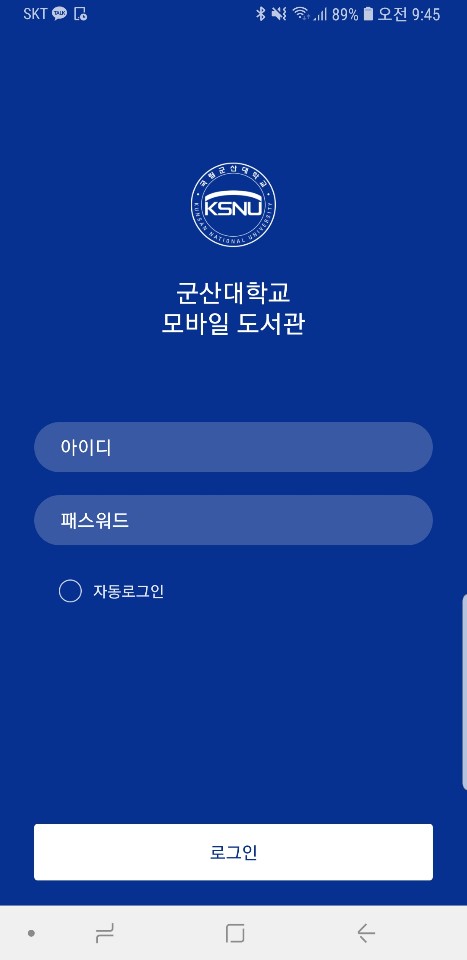
- ③ Login is the same as ID/PW of library homepage
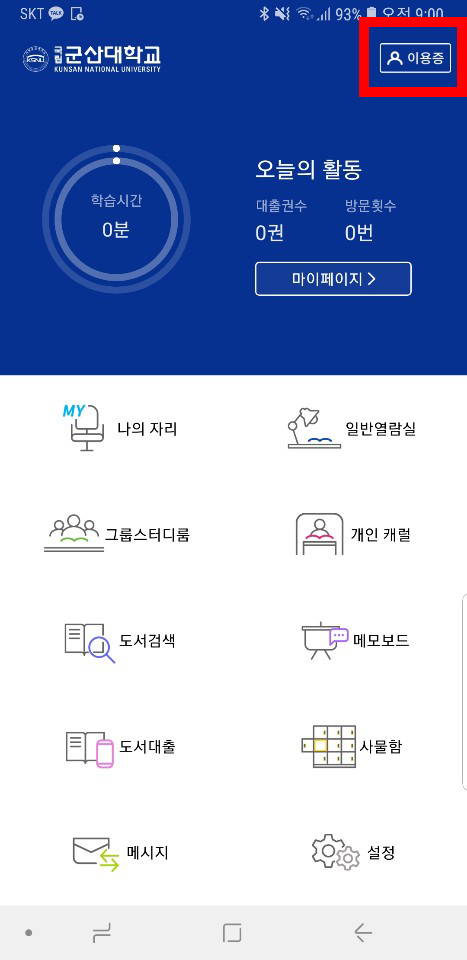
- ④ After log-in, available to loan and entry of library with a library use card.
- Mobile Loan
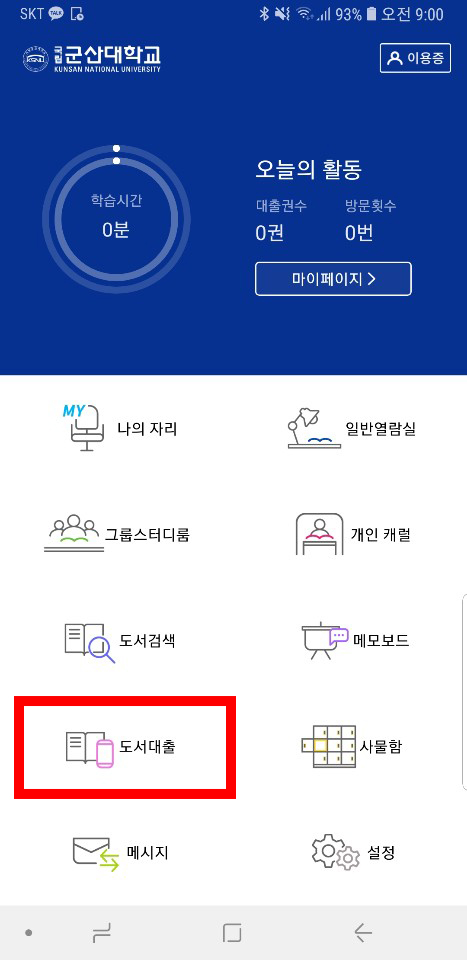
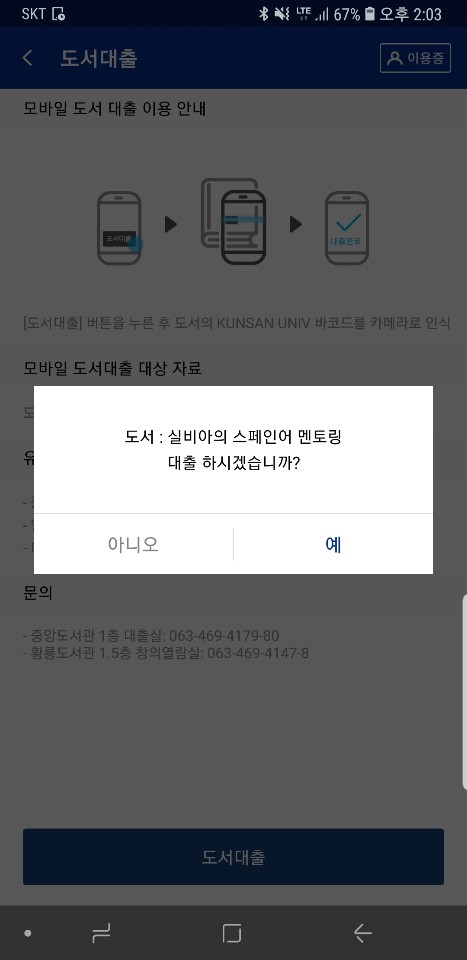
- ① Select "Book Loan" in the menu
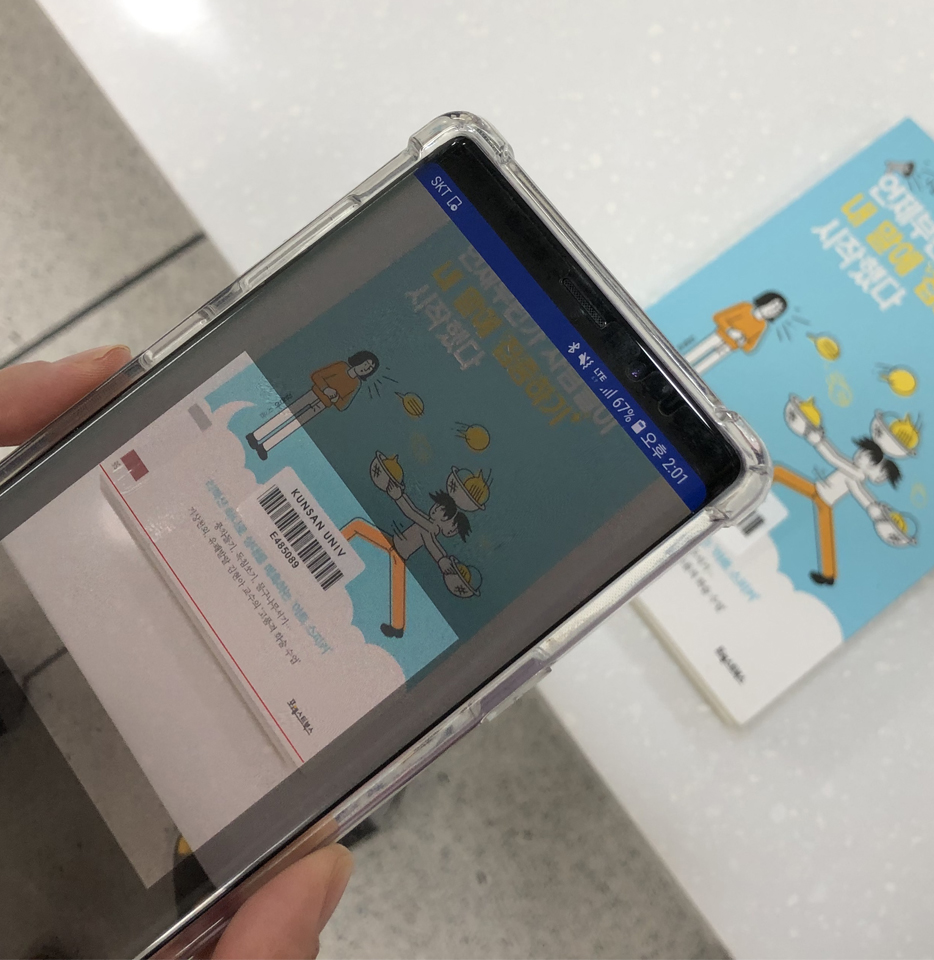
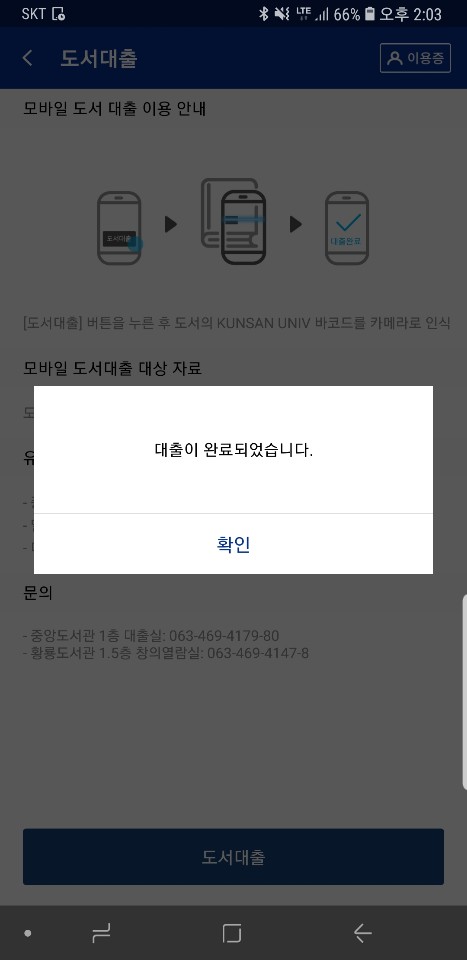
- ② Recognize the "KUNSAN UNIV Barcode" in the book by camera, and completes the loan.


[54150] 558, Daehak-ro, Gunsan-si, Jeollabuk-do, Korea TEL:063-469-4179~4180
Copyright(c) 2016. Kunsan national University Library. All rights reserved.